Client-side Scraping with Webview - Part 1
Web scraping is a common side project. Most resources cover running a crawler on a server or controlling a browser remotely. I have found far less about scraping and web automation inside an app on the user's device.
An app can use the device's resources to read third-party websites or automate steps the user would otherwise do by hand. Compared with calling known APIs from a server or controlling a remote browser with a testing tool such as Selenium1, this has a few advantages:
- It reduces the server resources needed for scraping and automation. RabbitOS appears to take a centralized approach, hosting instances of client devices on a server. Emulators and browser drivers can make that expensive.
- The app can work without communicating with a separate scraping server, reducing delays for the user.
- Having individuals scrape from their own devices may avoid some legal complications of scraping third-party sites. Automation carries out interactions the users would otherwise perform themselves.
- The app has more freedom to choose how it presents the results and interactions.
Using an embedded browser
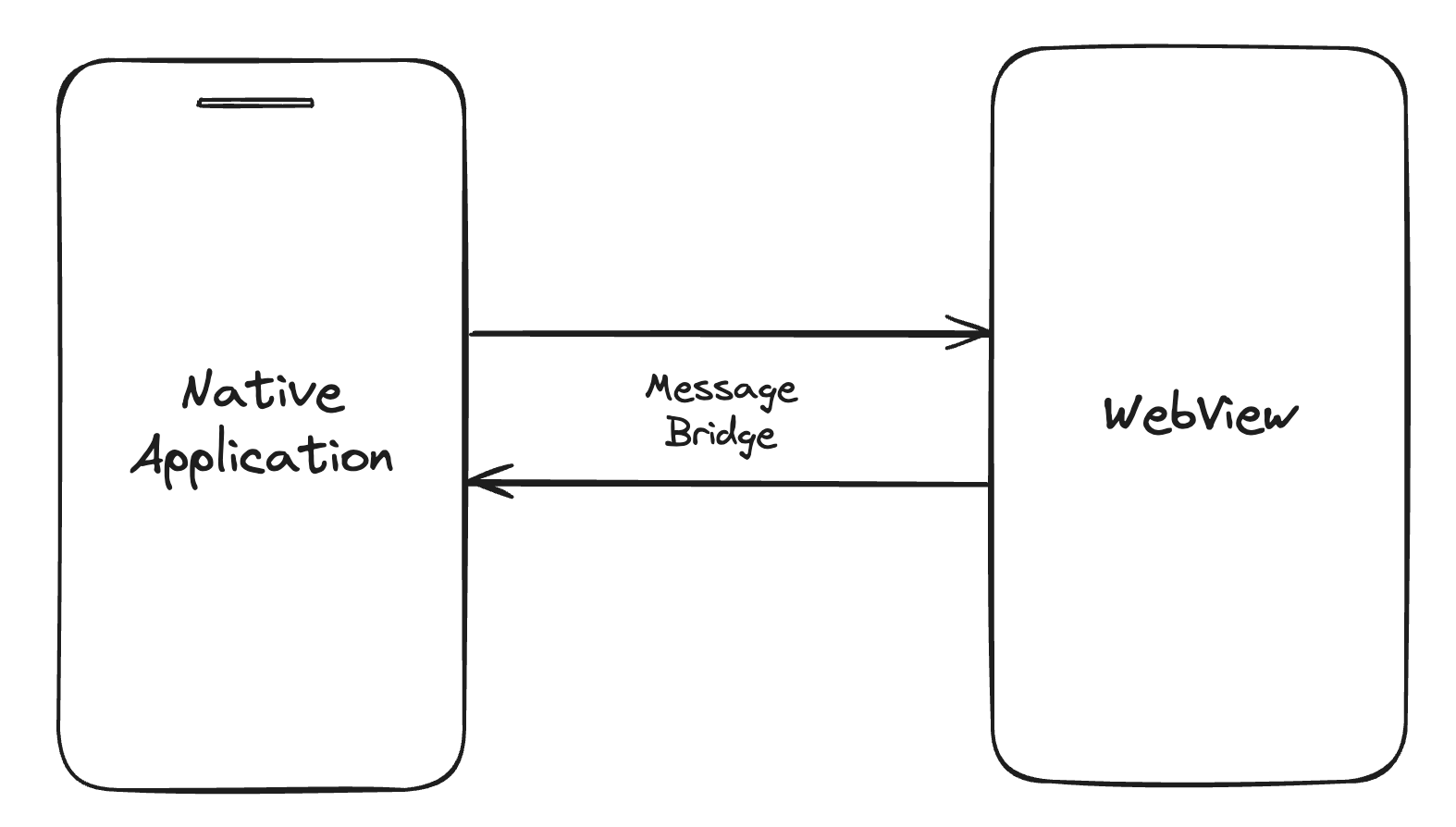
Many UI frameworks include a WebView, a browser embedded in an app. Because WebViews often host web-based app screens, they provide APIs for the native app to control the page and exchange data with it. We can use those APIs to read a site and pass the results back to the app.
Where this is useful
Some personal finance apps already collect data from several banking websites this way when public APIs are unavailable for legal reasons. The app can:
- Take the credentials the user enters in the native app.
- Enter them on the relevant website.
- Read the data from the WebView and pass it to the app, which can display it in a common interface or send it to the app's server for recommendations.
This lets the app simplify the interface and add features around the collected data. Another use is searching several shopping sites at once. The app can use each site's existing search and personalized recommendations, then show the products together for comparison.
A language model could summarize those results or turn a request in everyday language into scraping requests or function calls. If models learn to plan on their own, an agent could search for relevant information from a simple request and save users some work. I doubt that will happen in a reasonable time frame with the current direction of AI research; it still seems far from what language models can do today.
I plan to cover the implementation in later posts.