Making a simple dashboard with HTMX
As I was wrapping up my academic work, I built a dashboard to monitor the servers in my lab. A former lab member had made a similar tool, but it was outdated and no longer maintained. I wanted something simple to maintain, with basic security and a UI that looked nice.
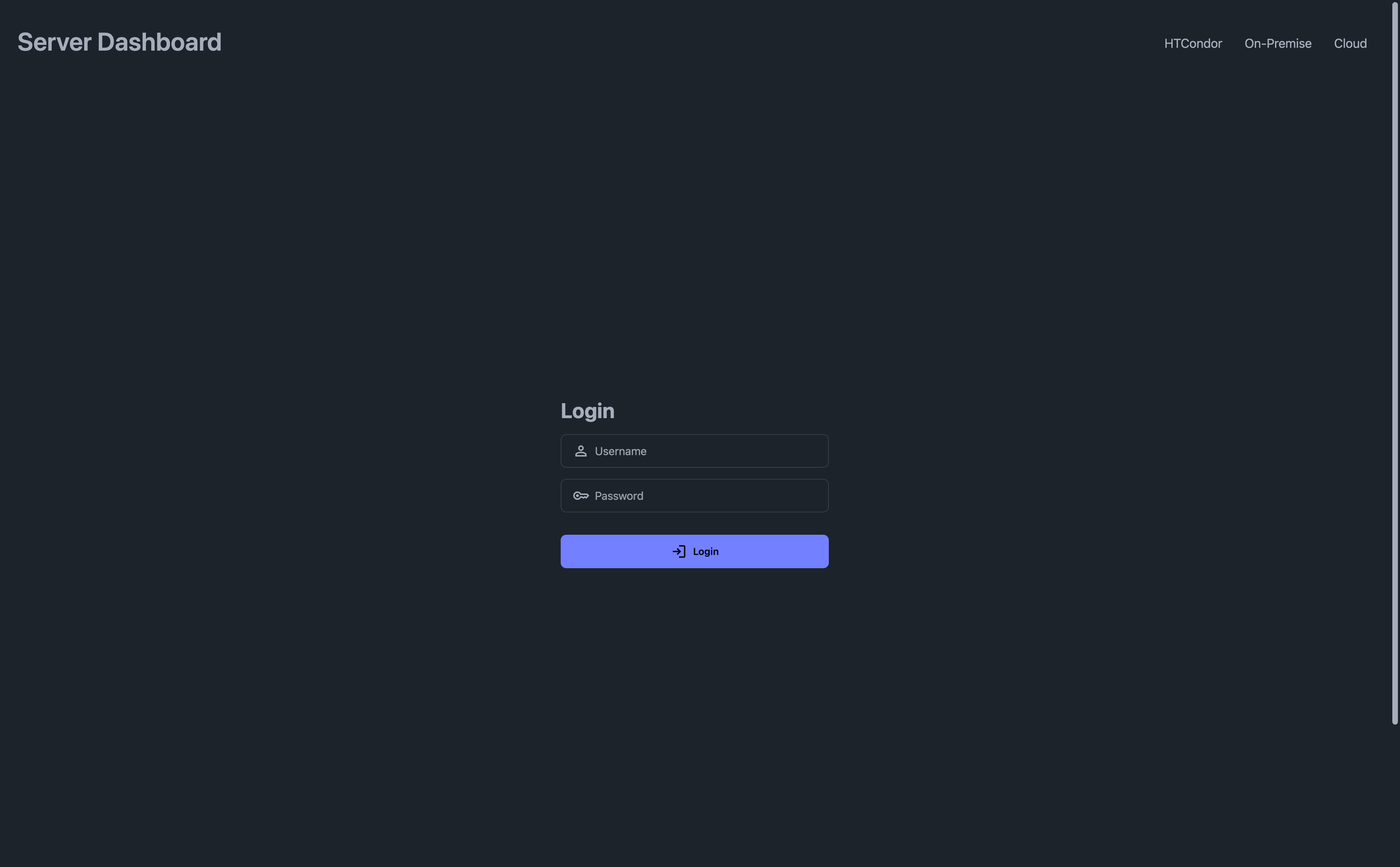
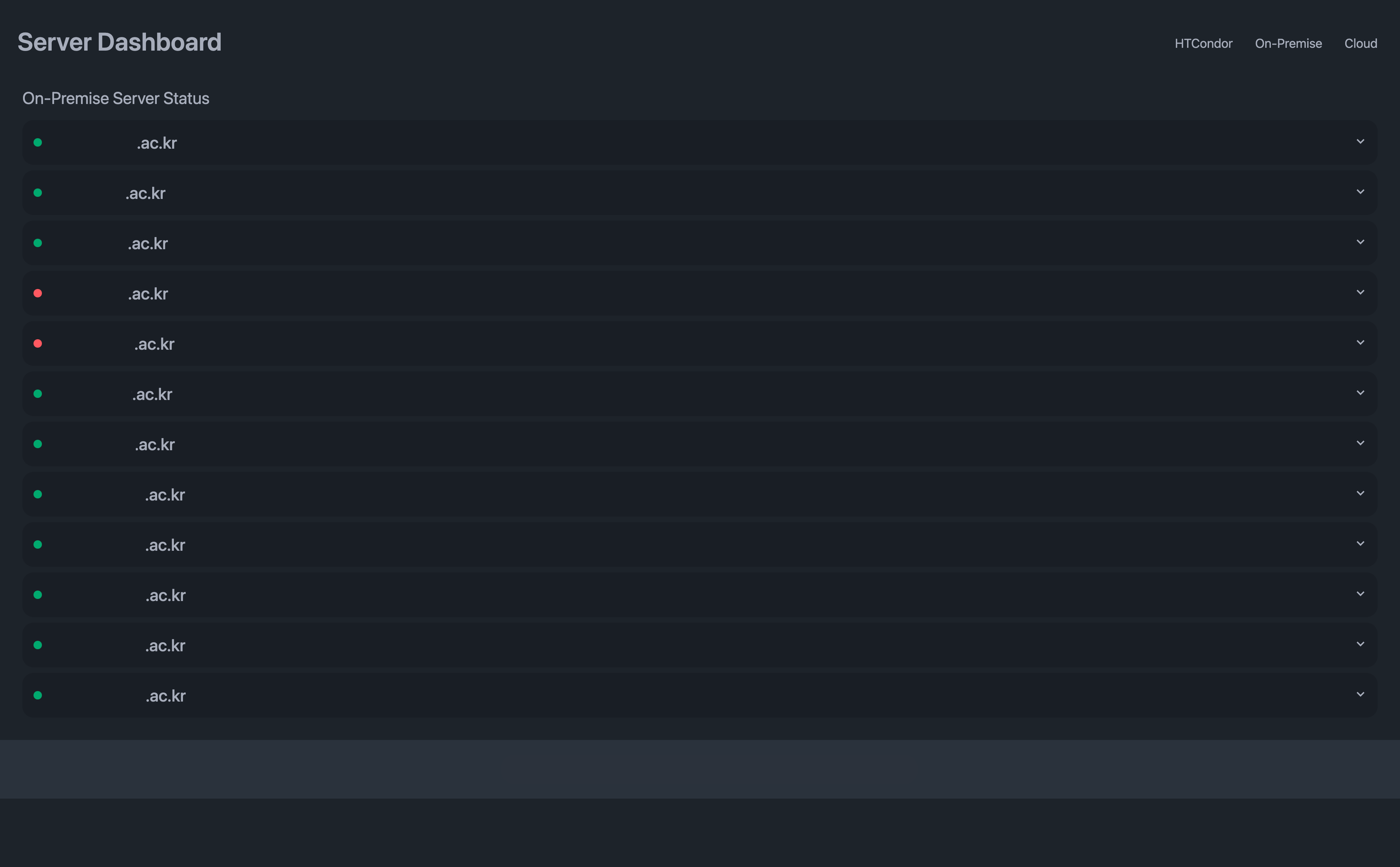
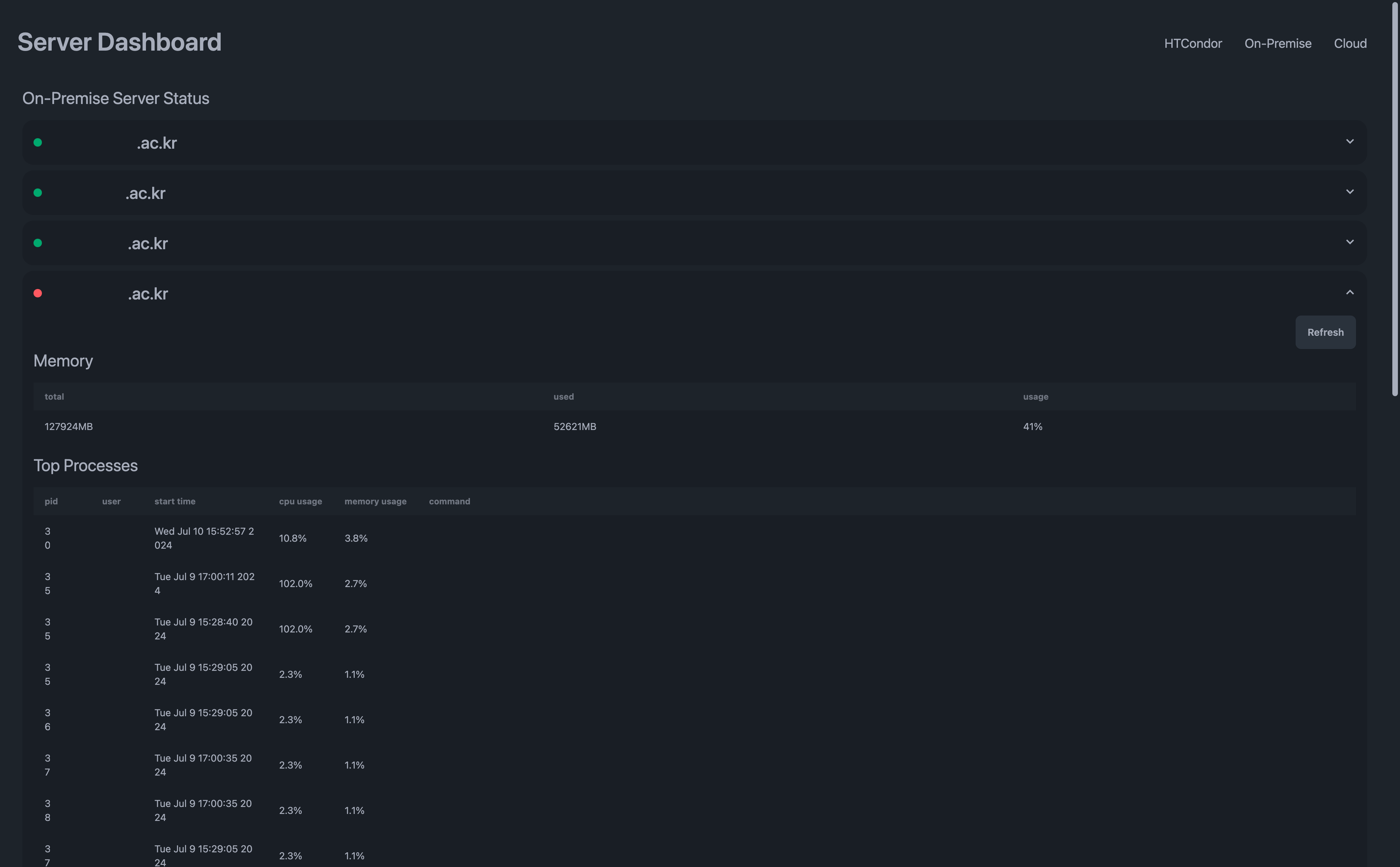
This is the finished dashboard, with some details redacted:
Login page
Dashboard
Server details
Choosing the tools
Most lab members knew Python but had no experience with frontend frameworks such as React. I chose FastAPI, a widely used Python web framework, so they would have an easier time maintaining it.
For the UI, I used plain HTML and CSS, Jinja templates, and DaisyUI1, a small component library built on Tailwind CSS. HTMX handles the page updates; I described it in an earlier post. I put the minified JavaScript libraries and stylesheets for HTMX, Tailwind, and DaisyUI in the static folder, so I did not need a separate JavaScript runtime.
FastAPI can serve that folder directly:
from fastapi import FastAPI
from fastapi.staticfiles import StaticFiles

app = FastAPI()
app.mount("/static", StaticFiles(directory="static"), name="static")
Templates
Jinja2 Fragments2 lets the server render a named block from a template. With HTMX requesting those blocks, the template files stayed short and easy to maintain. This part of index.html defines a content block:
<!-- index.html -->
<!-- some base template to inherit from -->
{% extends "base.html" %} {% block content %}
<div class="flex flex-col gap-y-4">
  <h1 class="text-2xl">On-Premise Server Status</h1>
  {% set running = running | default([]) %} {% if running | length > 0 %}
  <div class="flex flex-col gap-y-2">
    {% block on_premise_instances %} {% for instance in running %} {% with is_last = loop.last, name
    = instance.name %} {% include 'on_premise/instance.html' %} {% endwith %} {% endfor %} {%
    endblock %}
  </div>
  {% endif %}
  <div id="page-indicator" class="htmx-indicator loading loading-bars loading-lg self-center" />
</div>
{% endblock %}
Each route can return a whole page or just a block, depending on the request:
- /on-premise returns the content block for HTMX requests and the full page otherwise.
- /on-premise/instances returns a block loaded separately when the page refreshes.
The routes look like this:
# dependencies
# check_session: checks for valid session cookie. if session is invalid or has expired, move to login page
# is_htmx_request: check for `hx-request` header in the request
@app.get(
    "/on-premise",
    response_class=HTMLResponse,
    dependencies=[Depends(check_session), Depends(is_htmx_request)],
)
async def on_premise_page(request: Request):
    running_instances = await onpremise_service.get_server_infos(after=0, size=1)
    # load all on-premise servers in background
    return templates.TemplateResponse(
        "index.html",
        context={
            "running": running_instances,
            "request": request,
        },
        block_name="content" if request.is_htmx_request else None,
    )

...

@app.get(
    "/on-premise/instances",
    response_class=HTMLResponse,
    dependencies=[Depends(check_session)],
)
async def get_on_premise_instances(
    request: Request, after: Optional[str], size: int = 1
):
    running_instances = await onpremise_service.get_server_infos(
        after=after, size=size
    )
    return templates.TemplateResponse(
        "index.html",
        context={
            "running": running_instances,
            "request": request,
        },
        block_name="on_premise_instances",
    )
Loading server details as needed
I used paramiko, a Python library for SSHv2, to run commands on the servers. This is safer than starting a shell through subprocess or a similar tool.
Commands such as nvidia-smi, which reports GPU information, can be slow. I split the results into pages and used HTMX to load them as needed.
The hx-trigger="revealed" attribute requests the next page only when the last loaded element becomes visible:
{% if is_last %}
<div
  class="collapse collapse-arrow bg-base-200"
  hx-get="/on-premise/instances?after={{ name }}&size=5"
  hx-trigger="revealed"
  hx-swap="afterend"
  hx-indicator="#page-indicator"
>
  <input type="checkbox" name="{{ name }}" />
  <div class="collapse-title flex flex-row items-center gap-x-4">
    {% if instance.usage == 0 %} {% set status = 'success' %} {% elif instance.usage < 50 %} {% set
    status = 'warning' %} {% else %} {% set status = 'error' %} {% endif %}
    <div class="badge badge-{{ status }} badge-xs"></div>
    <div class="text-2xl font-medium">{{ instance.name }}</div>
  </div>

  <div class="collapse-content overflow-x-auto">
    <div class="flex justify-end">
      <button
        class="btn btn-neutral btn-md"
        hx-get="/on-premise/instance/{{ name }}"
        hx-swap="innerHTML"
        hx-target="#{{ name }}-content"
        hx-indicator="#{{ name }}-indicator"
      >
        <span
          id="{{ name }}-indicator"
          class="htmx-indicator loading loading-dots loading-sm"
        ></span>
        Refresh
      </button>
    </div>

    <div id="{{ name }}-content" class="flex flex-col gap-y-4">
      {% include 'on_premise/instance_content.html' %}
    </div>
  </div>
</div>
{% else %}
<div class="collapse collapse-arrow bg-base-200">
  <input type="checkbox" name="{{ name }}" />
  <div class="collapse-title flex flex-row items-center gap-x-4">
    {% if instance.usage == 0 %} {% set status = 'success' %} {% elif instance.usage < 50 %} {% set
    status = 'warning' %} {% else %} {% set status = 'error' %} {% endif %}
    <div class="badge badge-{{ status }} badge-xs"></div>
    <div class="text-2xl font-medium">{{ instance.name }}</div>
  </div>

  <div class="collapse-content overflow-x-auto">
    <div class="flex justify-end">
      <button
        class="btn btn-neutral btn-md"
        hx-get="/on-premise/instance/{{ name }}"
        hx-swap="innerHTML"
        hx-target="#{{ name }}-content"
        hx-indicator="#{{ name }}-indicator"
      >
        <span
          id="{{ name }}-indicator"
          class="htmx-indicator loading loading-dots loading-sm"
        ></span>
        Refresh
      </button>
    </div>

    <div id="{{ name }}-content" class="flex flex-col gap-y-4">
      {% include 'on_premise/instance_content.html' %}
    </div>
  </div>
</div>
{% endif %}
I also cached the results of the async service methods, with an expiration time for each result. My post on caching async functions covers the implementation. A small session service restricts the dashboard to authorized users.
Packaging and deploying
I packaged the app in Docker for a consistent environment and to help with security, using the small slim-buster Python image:
FROM python:3.10.8-slim-buster

RUN apt-get update -y

WORKDIR /code
COPY requirements.txt /code
RUN pip install --upgrade -r /code/requirements.txt

COPY src /code

# launch entry script
ENTRYPOINT [ "python", "main.py" ]
A GitHub workflow handles releases:
name: Build Docker Image and Release

on:
  push:
    tags:
      - "*.*.*"

jobs:
  build-and-release:
    runs-on: ubuntu-latest

    env:
      # bunch of secret variables

    steps:
      - name: Checkout repository
        uses: actions/checkout@v3

      - name: Set up Docker Buildx
        uses: docker/setup-buildx-action@v2

      - name: Set dot env
        run: |
          echo "RANDOM_API_KEY=${RANDOM_API_KEY}" >> .env
          mv .env src

      - name: Build Docker image
        run: |
          docker build --platform linux/amd64 --tag dashboard:latest .

      - name: Save Docker image to file
        run: |
          docker save -o release.tar.gz dashboard:latest

      - name: Get release
        id: get_release
        uses: bruceadams/get-release@v1.3.2
        env:
          GITHUB_TOKEN: ${{ github.token }}

      - name: Upload Docker image to Release
        uses: actions/upload-release-asset@v1
        env:
          GITHUB_TOKEN: ${{ secrets.GITHUB_TOKEN }}
        with:
          upload_url: ${{ steps.get_release.outputs.upload_url }}
          asset_path: ./release.tar.gz
          asset_name: release.tar.gz
          asset_content_type: application/gzip
The project took less than a day. FastAPI and HTMX needed little setup, and after a few adjustments for mobile screens, the lab started using it.